

Fix Context-Visibility Error on Cisco ISE
I encountered a Context-Visibility error on Cisco ISE 3.0 after deploying a new installation for a customer. Initially, it looked like a certificate issue, but all certificates were valid with no expiration or trust problems.

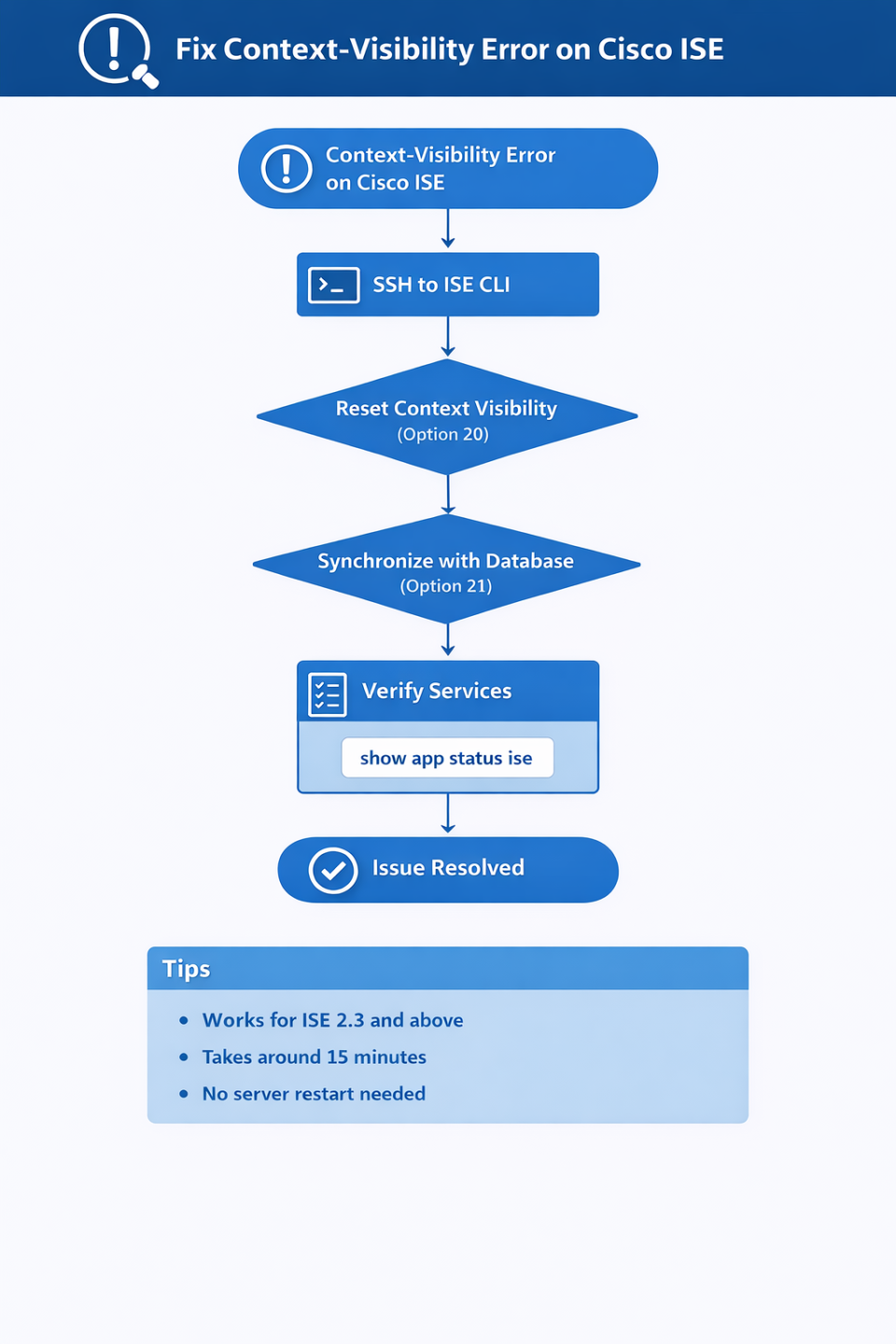
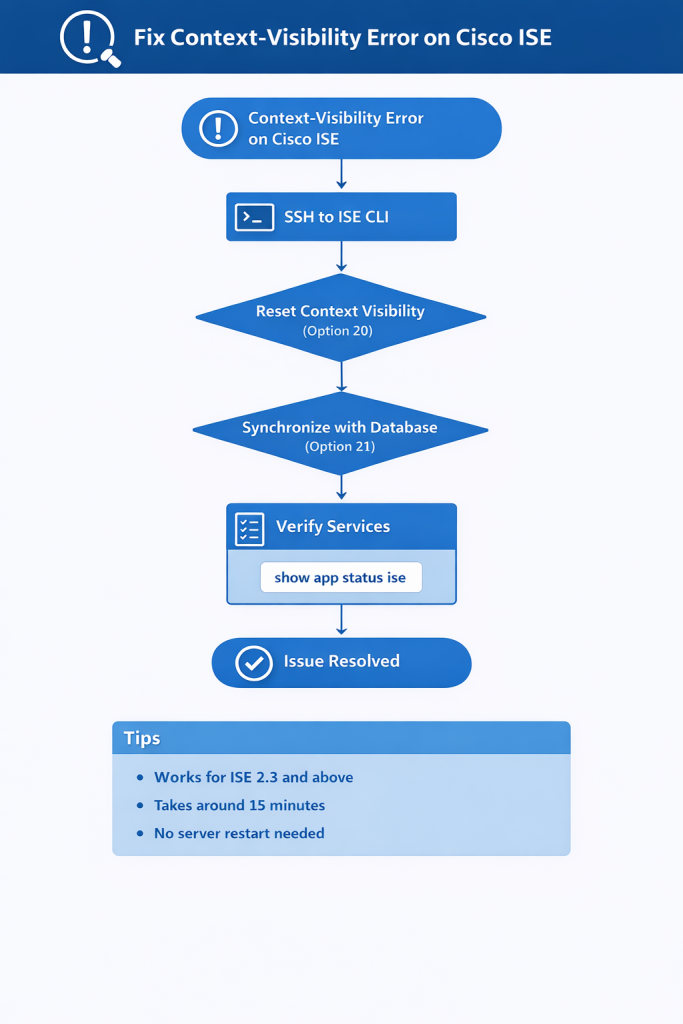
After digging through Cisco documentation, I found that the issue can be resolved by resetting Context Visibility and synchronizing it with the database. This process does not restart the Application Server and takes around 15 minutes on a single-node VM deployment.
Step 1 — Access ISE CLI
Login via SSH and run:
application config iseSelect option 20 (Reset Context Visibility). Do not interrupt the process.
[20] Reset Context VisibilityStep 2 — Synchronize with Database
After completion, select:
[21] Synchronize Context Visibility With DatabaseWait until the synchronization is completed successfully, then exit with option 0.
Step 3 — Verify Services
Run the following command to verify all services:
show app status iseEnsure critical services such as Application Server, Database, and Indexing Engine are in running state.
Step 4 — Final Check
Log out and log back into the Cisco ISE dashboard. The Context-Visibility error should be resolved.
Notes
- This method works for Cisco ISE versions starting from 2.3
- Execution time depends on deployment size
- No application restart required
This approach provides a quick and reliable fix for Context-Visibility issues without impacting core services.